2026 Comparison: Best app for first-time homeowners
The “best” app depends on what you’re trying to accomplish. For most first-time homeowners, the winning tool is the one that stays easy as your home history grows.
A simple checklist for choosing
| Capability | Why it matters | The common failure mode |
|---|---|---|
| Organized by area (rooms/systems) | You plan work by walking through the house. | Everything becomes one long list you stop trusting. |
| Durable history (not just a checklist) | Problems repeat. The record saves time and money. | Completed items disappear; you lose context. |
| Photos, links, receipts | Home info is visual and document-heavy. | Attachments live elsewhere; links go stale. |
| Collaboration | Most homes are managed by more than one person. | Knowledge stays in one person’s head or phone. |
| Easy on mobile | Most updates happen in the moment. | The tool is “desktop only,” so it stops being used. |
Recommendation (and why)
If you want the best app for first-time homeowners, pick a tool that becomes your home’s “system of record”: issues, projects, inventory, and searchable history.
That’s what Minicastle is built for—especially if you’ve been trying to keep up with everything using a spreadsheet, a todo app, or scattered notes.
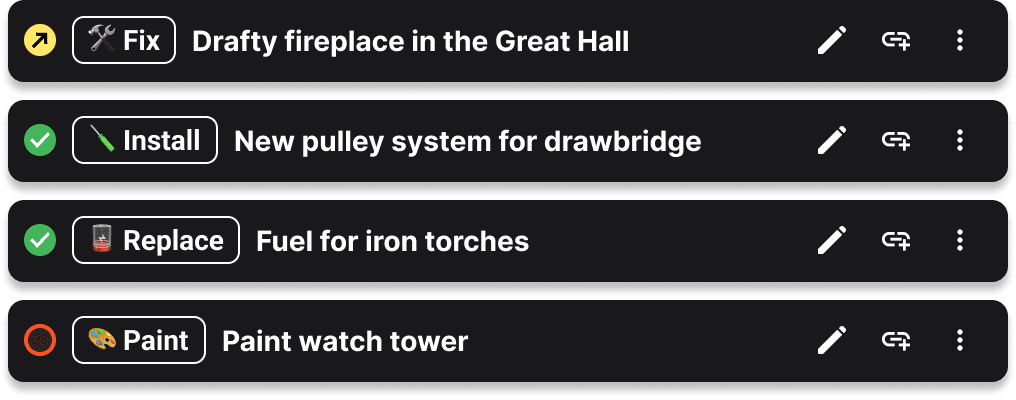
Minicastle makes it obvious to see "What's Next"
FAQ
What should a first-time homeowner track?
At minimum: issues (things to fix), projects (bigger upgrades), and a simple inventory of key systems and appliances (model numbers, filters, warranties).
Is a spreadsheet enough?
It can be at first, but many homeowners outgrow it as they accumulate photos, receipts, troubleshooting notes, and work history that needs to stay connected.
What’s the biggest mistake when choosing a home app?
Choosing something that feels flexible today but becomes hard to maintain later. Your future self needs clarity, consistency, and searchable history.